
Simple, secure, and smart payment solutions for everyone
Open RukaPay app and select "Scan to Pay"
Point camera at merchant's QR code
Enter amount and confirm payment
Transaction complete! Receipt sent instantly

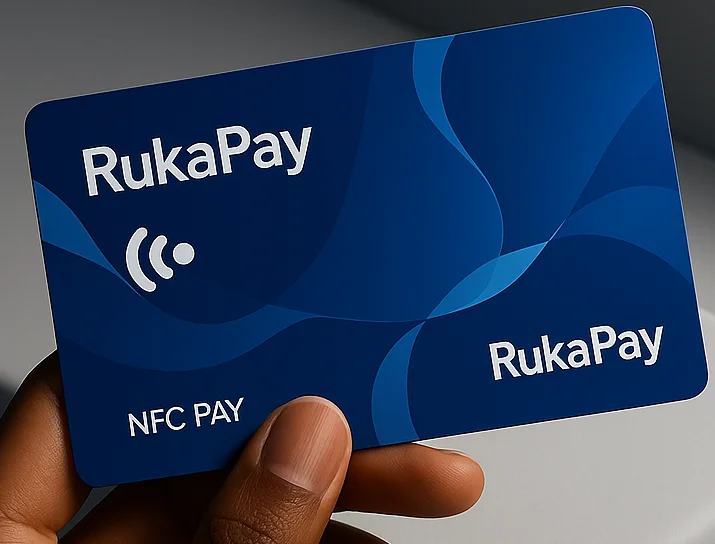
Enable NFC on your smartphone
Open RukaPay app and select "Tap to Pay"
Tap phone on merchant's NFC terminal
Confirm with PIN or biometric authentication
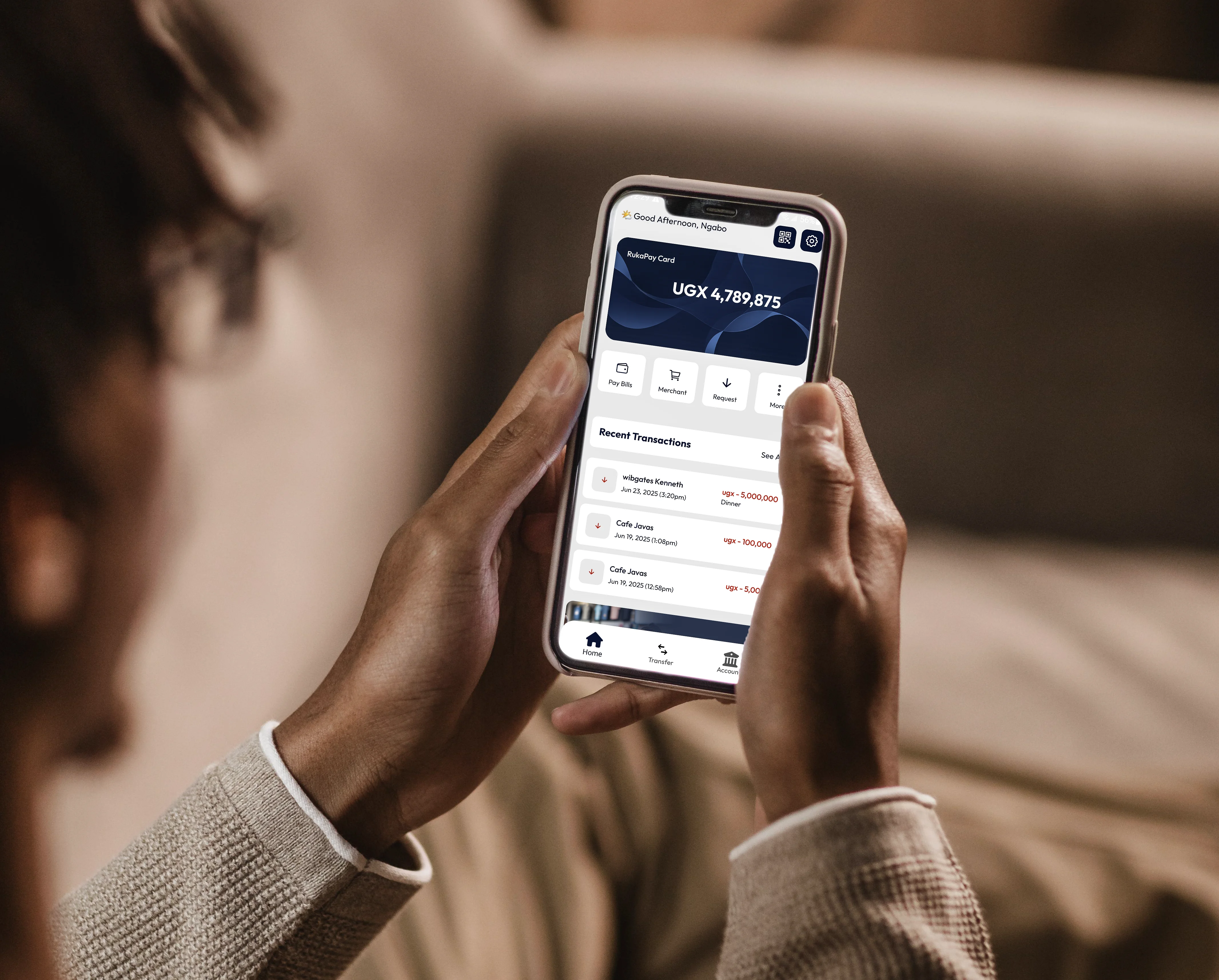
Open RukaPay app on your smartphone
Navigate to "Send Money" or "Payments"
Enter recipient phone number and amount
Confirm with PIN or biometric to complete
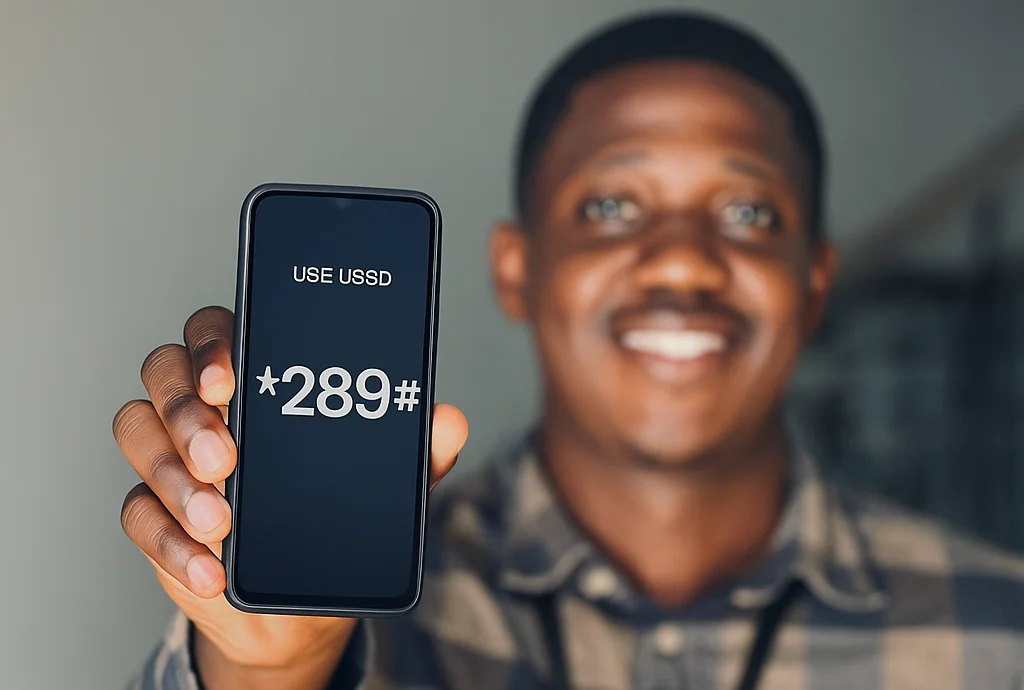
Dial *289# on any phone
Select service from menu
Enter recipient details and amount
Confirm with PIN to complete transaction